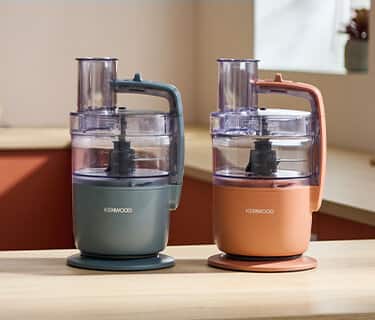
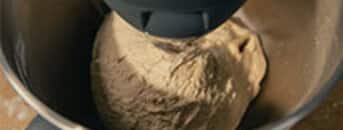
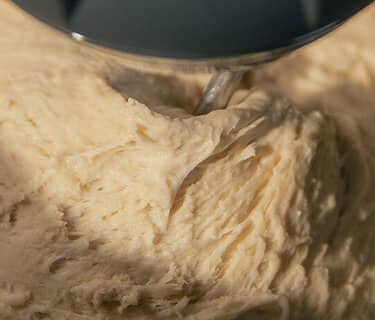
The knife blade attachment can be used to knead dough, simply add 250g of flour and 150g of water and process for 30 seconds using the handle to support the appliance. Avoid processing for longer than 30 seconds to prevent the motor overheating.
Ensure the power button is in the neutral position in order to move the lid and bowl. The interlock may also be a slightly tight so ensure enough pressure is applied when removing the lid / bowl.
Unlike traditional Food Processors, MultiPro Go has a simple operating button on top of the Food Processor, meaning it can be operated from any direction, making it flexible around you and your kitchen design.
There are no limits to slicing and grating with the Express Serve - grate or slice as much or as little as you need! Simply allow the Food Processor to rest after 2 minutes of continuous use.
If you want to know more information about your stand mixer, please check our Manual that offers more in depth information on how to get the best from your machine
If you want to know more information about your stand mixer, please check our Manual that offers more in depth information on how to get the best from your machine